5 Amazing Tools to Master Tailwind CSS
Tailwind CSS is an open-source CSS framework. The main feature of this library is that, unlike other CSS frameworks like Bootstrap, it does not provide a series of predefined classes for elements such as buttons or tables.

There are some amazing tools that will enhance your experience while using Tailwind CSS:
Tailwind Docs
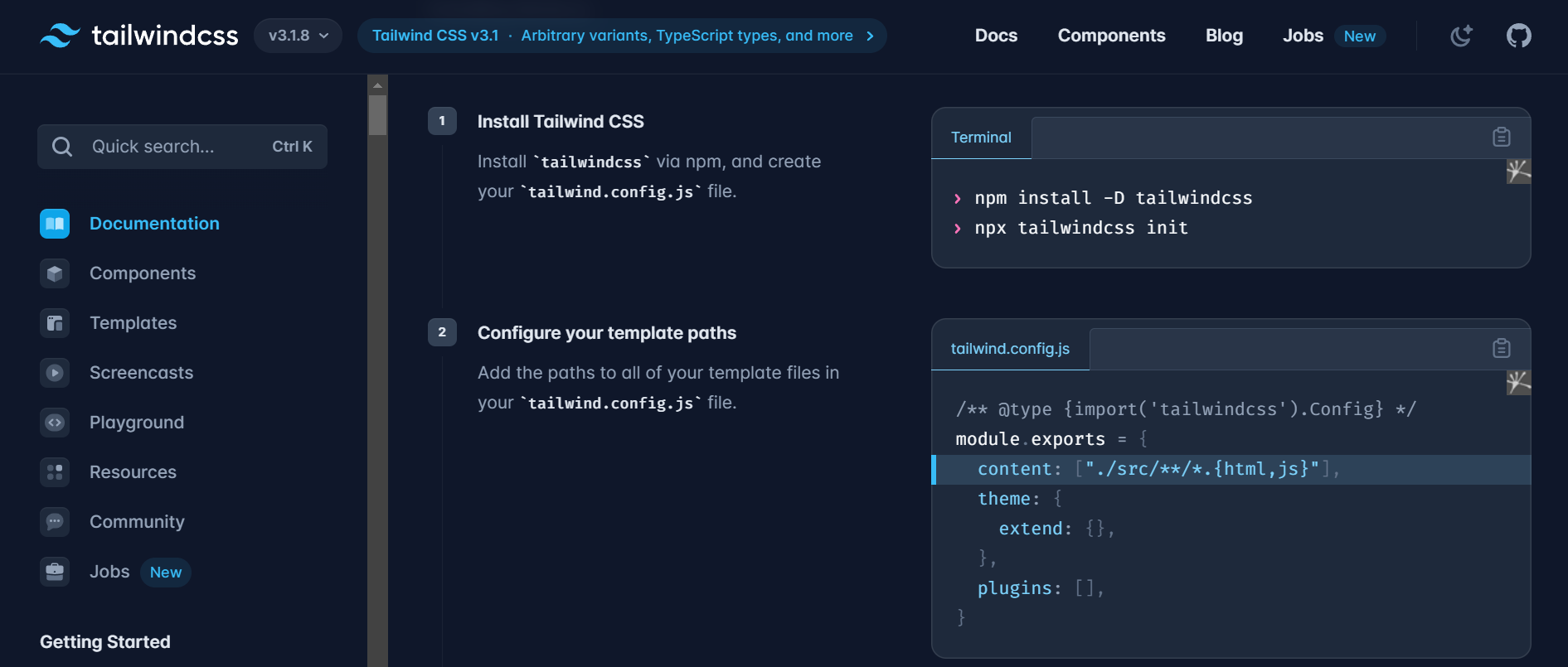
Yes! Official Docs is the first thing you should always go for, it contains every information about the tool.
Link - https://tailwindcss.com/docs
Tailwind CSS Cheatsheet
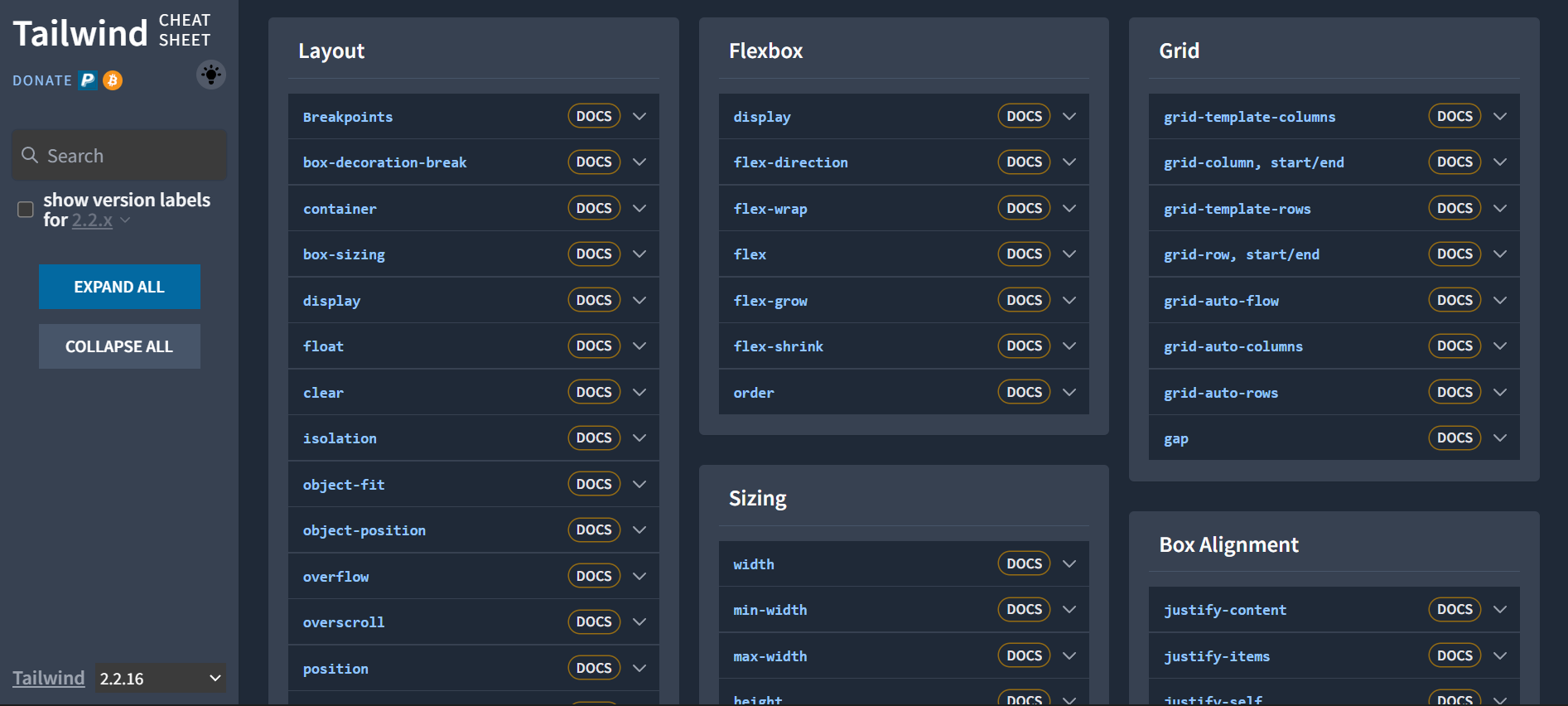
You don't need to learn classes to start with Tailwind. There are many Cheatsheets available for Tailwind CSS but this one is the best one out there.
Link - https://nerdcave.com/tailwind-cheat-sheet
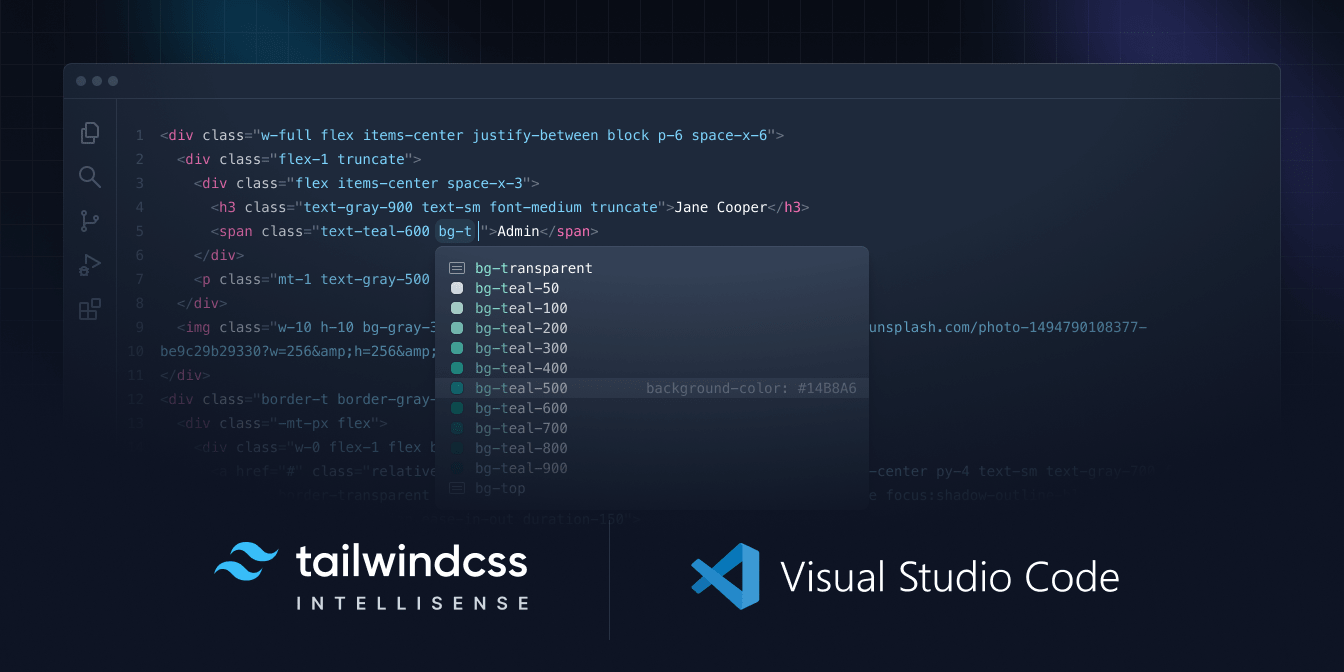
Intellisense for VS Code
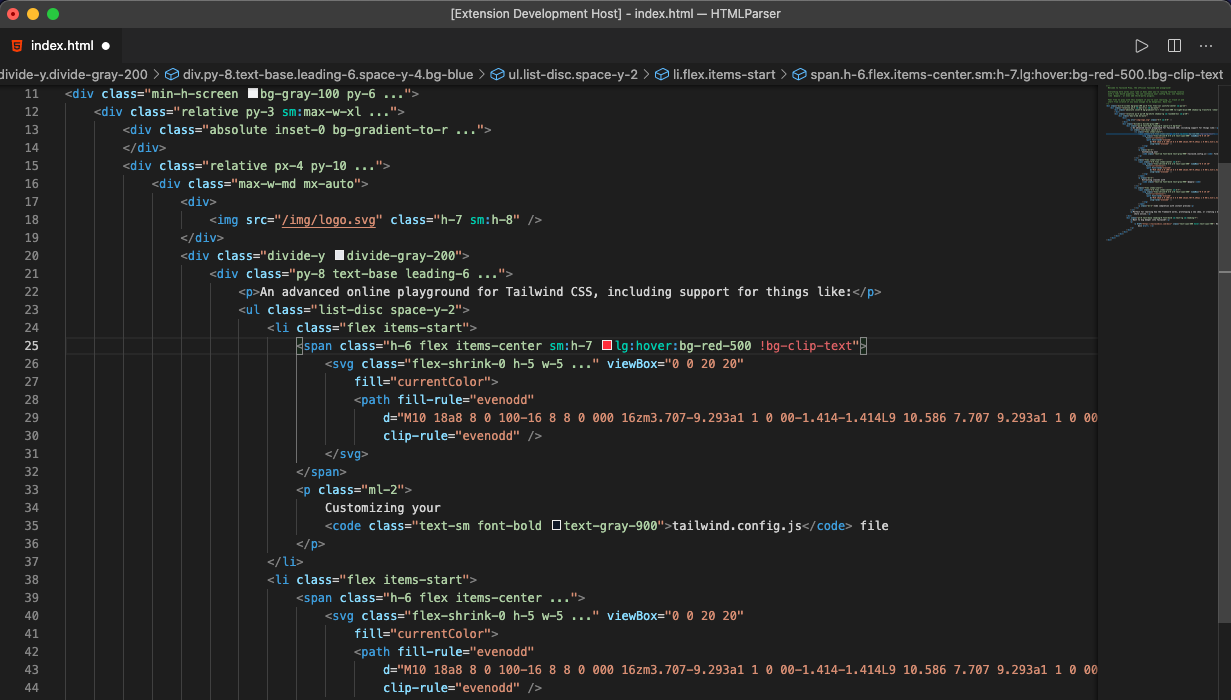
The official Tailwind CSS IntelliSense extension for Visual Studio Code enhances the Tailwind development experience by providing users with advanced features such as autocomplete, syntax highlighting, and lining.
Link - https://marketplace.visualstudio.com/items?itemName=bradlc.vscode-tailwindcss
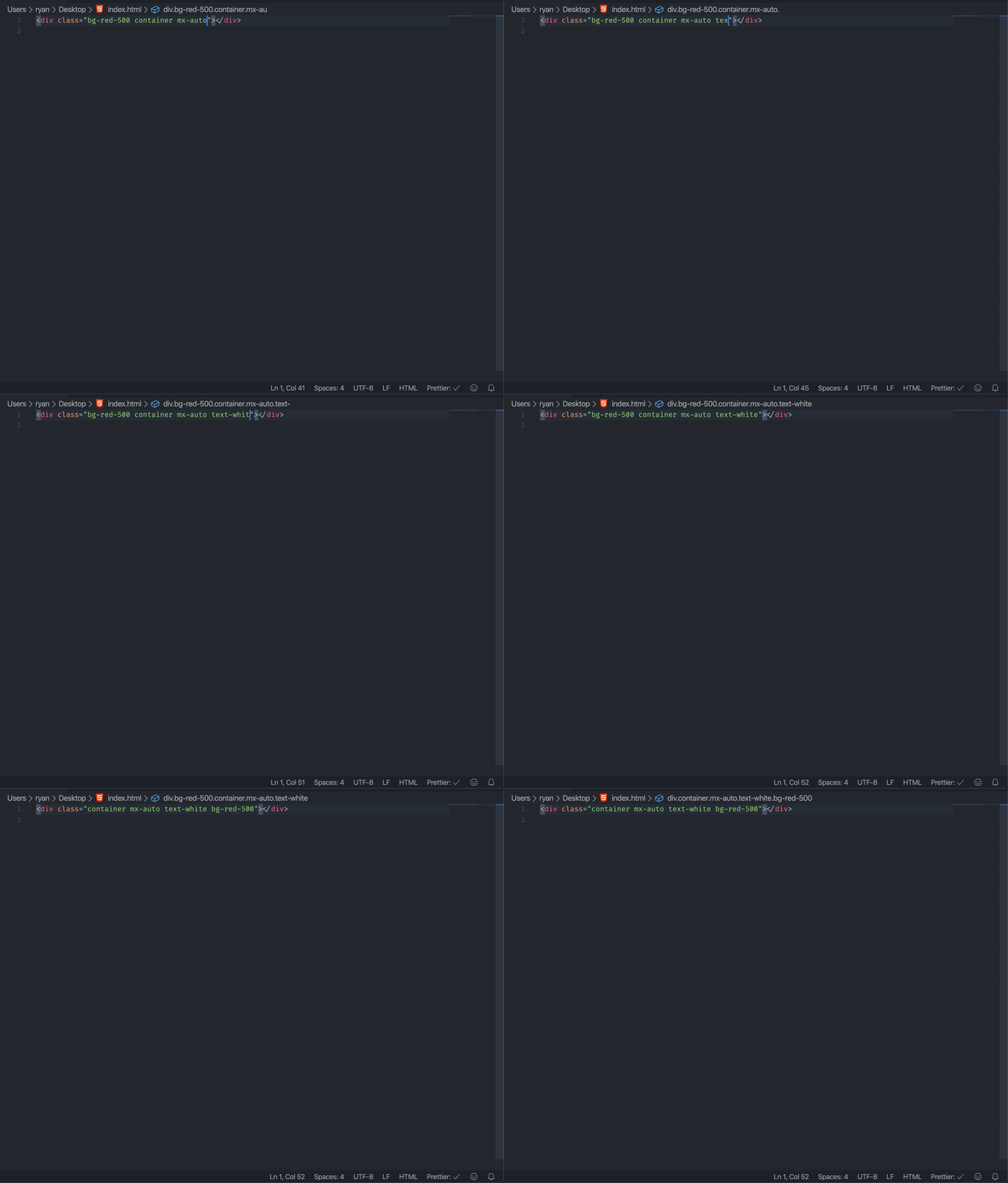
Headwind VS code extension
Headwind is an opinionated Tailwind CSS class sorter for Visual Studio Code. It enforces consistent ordering of classes by parsing your code and reprinting class tags to follow a given order.
Link - https://marketplace.visualstudio.com/items?itemName=heybourn.headwind
Windi CSS Intellisense
Windi CSS IntelliSense enhances the Windi development experience by providing Visual Studio Code users with advanced features such as autocomplete, syntax highlighting, code folding, and building.
Link - https://marketplace.visualstudio.com/items?itemName=voorjaar.windicss-intellisense